Download Tableee
Your Business.
At your fingertips.
From the first booking to the last table. Bring your workspace with you on desktop, iPhone, iPad or Android.
Android 10 or later
Open in browserGoogle Play is coming soon. Your workspace is available in your browser today.
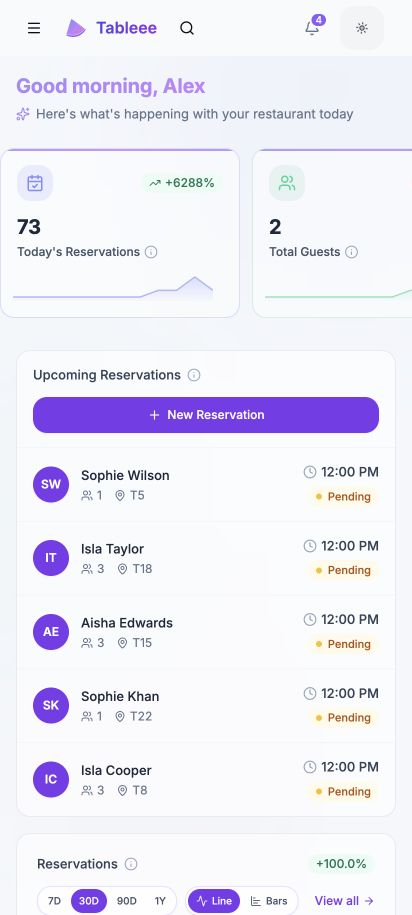
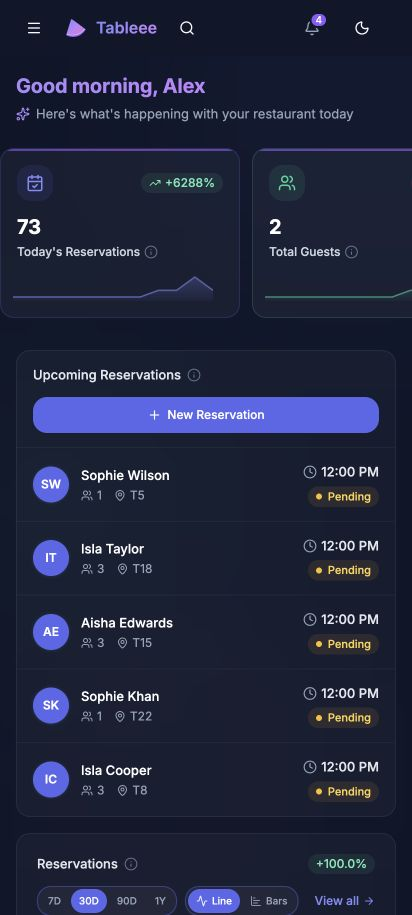
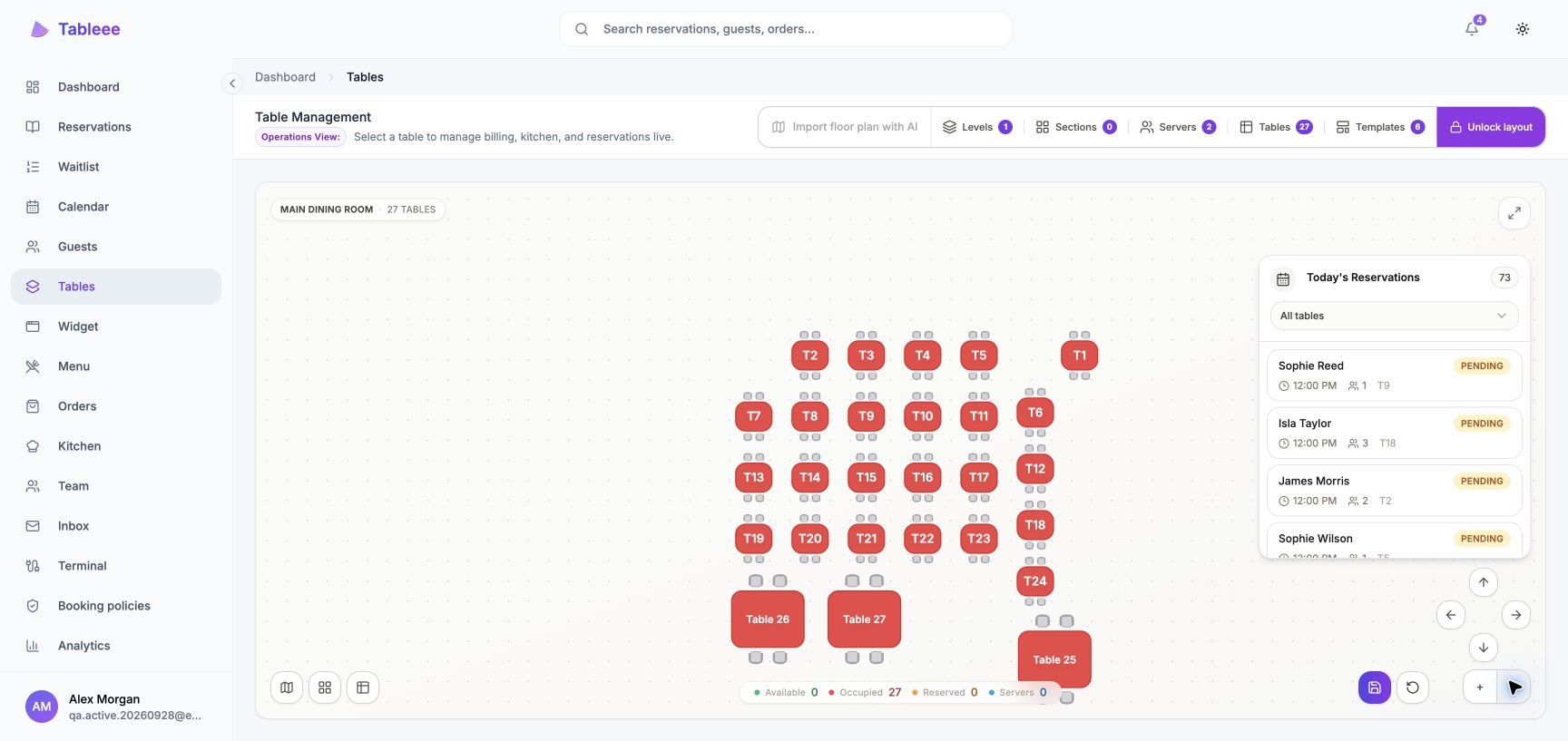
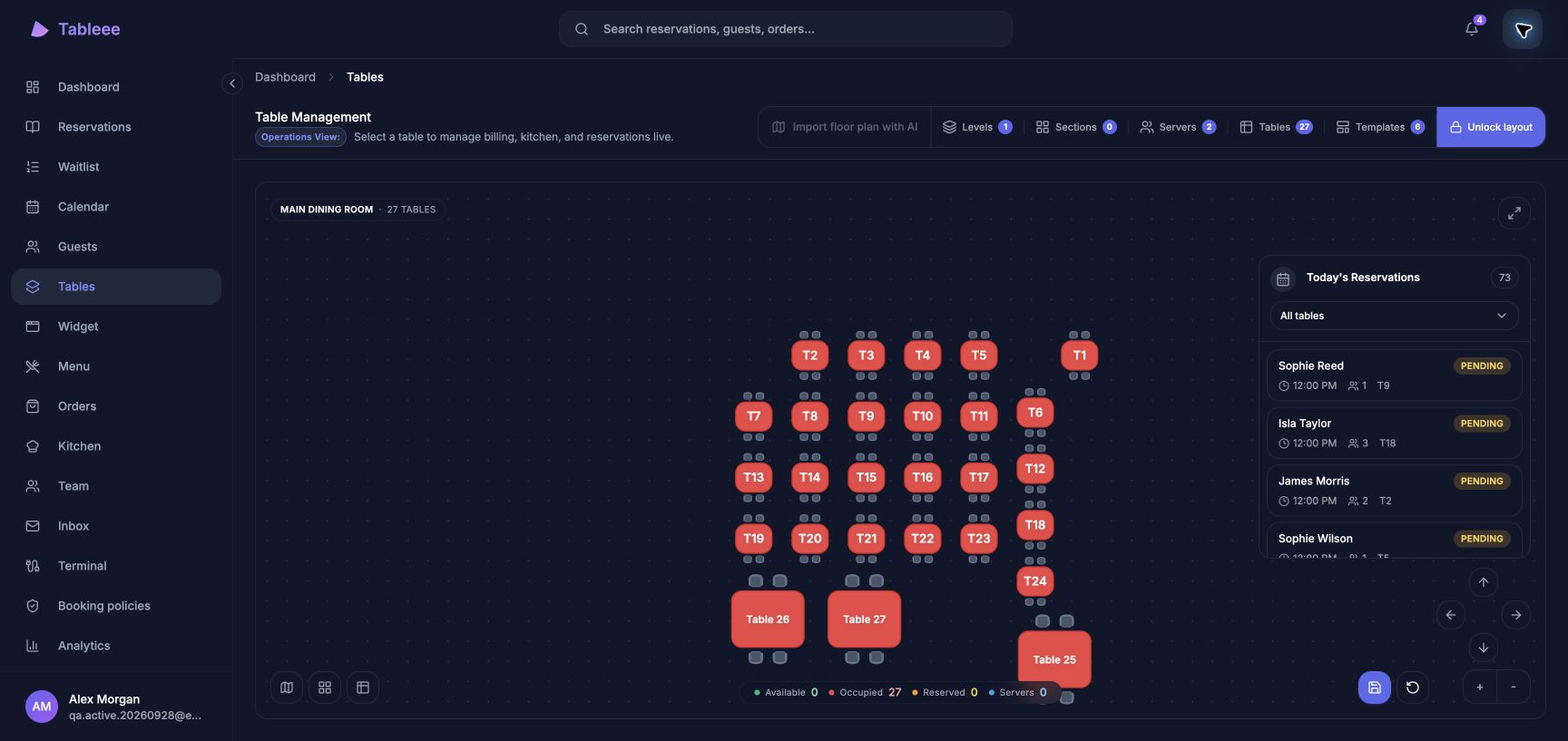
One account. One Business.
Sign in with the account you already use. Your team, settings and tools come with you.
Keep up with service.
Bookings, tables, guests and orders stay connected to the same live workspace.
A tap away.
Open Tableee from your home screen or desktop, or carry on in your browser.
Made for your everyday
One workspace.
Right where you need it.
Keep Tableee on your desktop, iPhone or iPad. The same bookings, tables and team, with a shortcut straight to your day.

Your next service, one tap away.
Add to your device from your browser.
Your existing Tableee account works here.
Ready for your next service
Install in three steps
Once Tableee is available on Google Play, getting started will be easy. You’ll need your existing Tableee account and an Android device.
Open Google Play
Follow the Google Play link here on your Android device to find Tableee’s official app listing.
Install Tableee
Tap Install in Google Play. Once the app is ready, you’ll find Tableee on your device.
Sign in and get going
Open Tableee and sign in. Keep Chrome or your supported Android browser up to date.
Prefer your browser? Your existing Tableee account works there too.
Always the latest Tableee
Web features update automatically. Google Play handles Android app updates when you enable automatic updates on your device.
Need a hand?
Your existing account works on both Android and the web. Get in touch if you need help getting started.