Descarrega Tableee
El teu negoci.
Al teu abast.
Des de la primera reserva fins a l'última taula. Porta el teu espai de treball amb tu a l'ordinador, iPhone, iPad o Android.
Android 10 o posterior
Obre al navegadorGoogle Play arribarà aviat. El teu espai de treball ja està disponible al teu navegador.
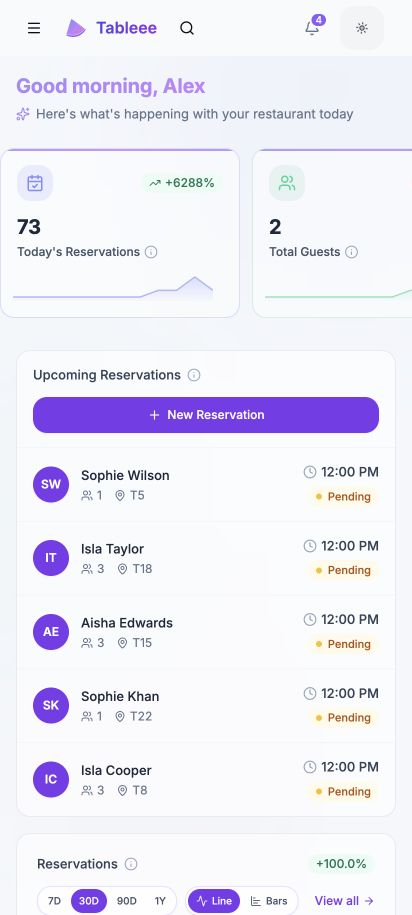
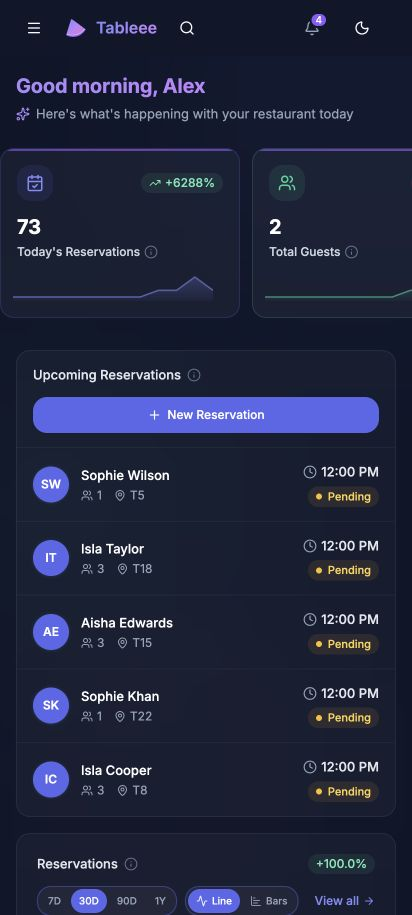
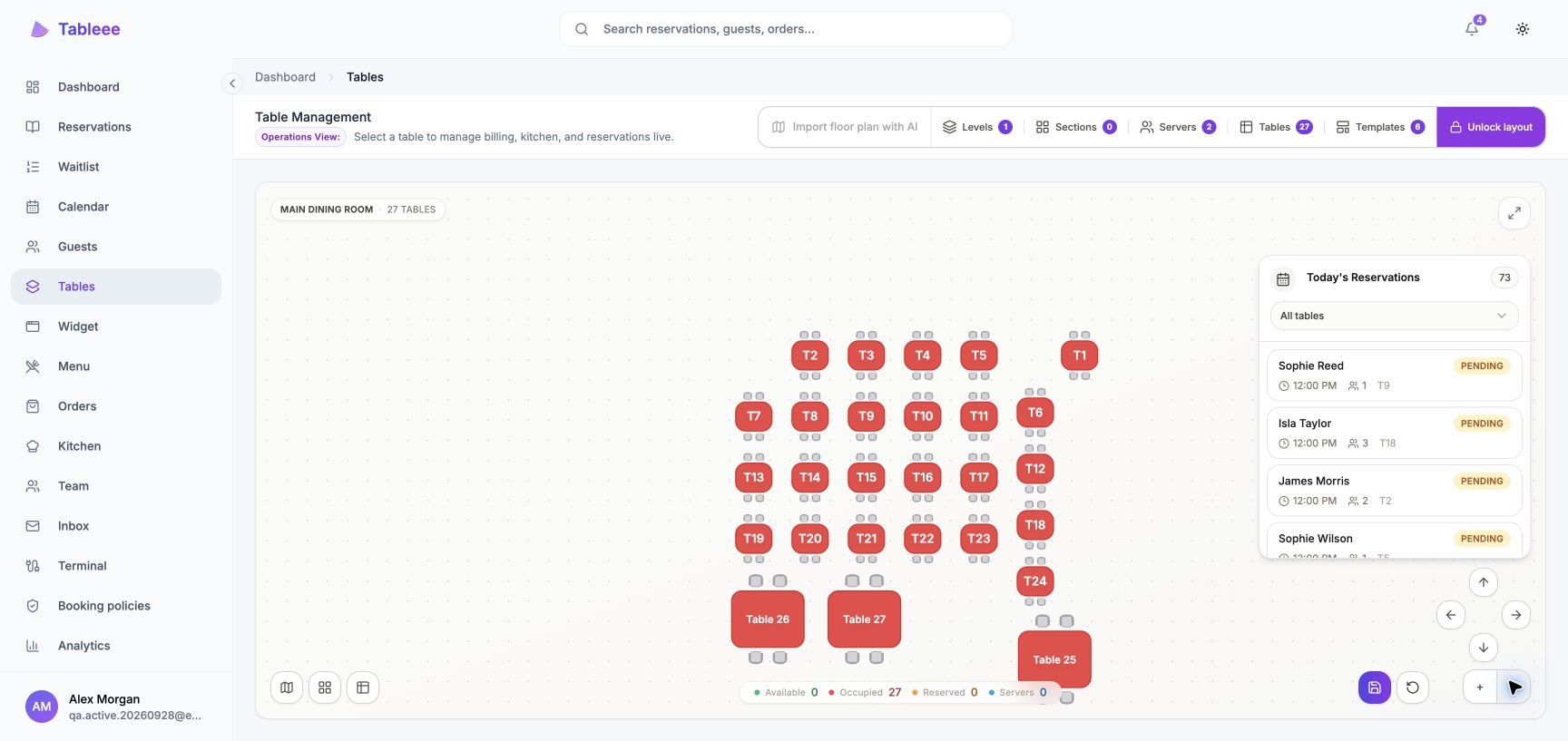
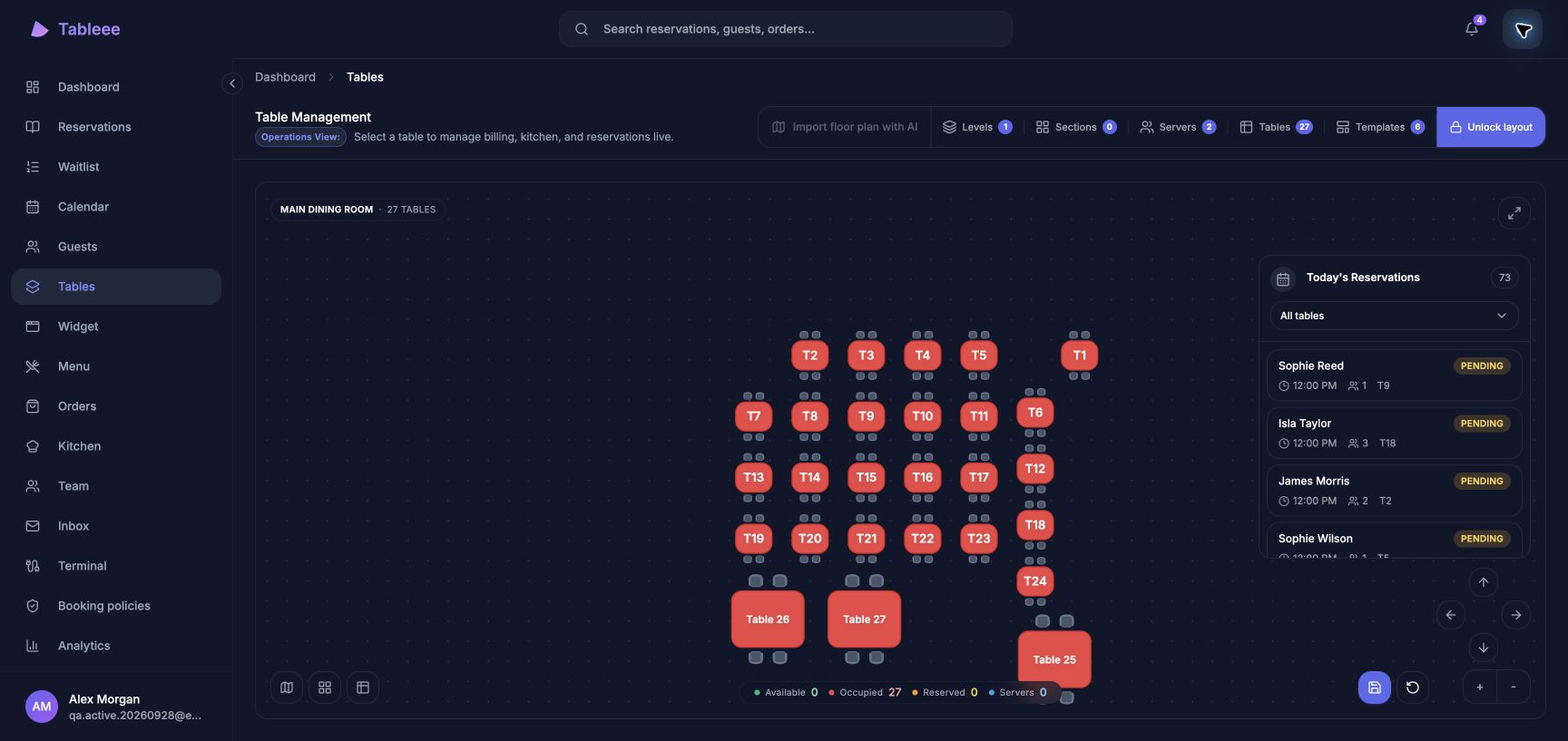
One account. One Business.
Sign in with the account you already use. Your team, settings and tools come with you.
Keep up with service.
Bookings, tables, guests and orders stay connected to the same live workspace.
A tap away.
Open Tableee from your home screen or desktop, or carry on in your browser.
Fet per al teu dia a dia
Un espai de treball.
Just on ho necessites.
Mantén Tableee al teu escriptori, iPhone o iPad. Les mateixes reserves, taules i equip, amb una drecera directa al teu dia.

El teu proper servei, a un toc de distància.
Afegeix-ho al teu dispositiu des del navegador.
El teu compte de Tableee actual funciona aquí.
A punt per al teu proper servei
Instal·la en tres passos
Un cop Tableee estigui disponible a Google Play, començar serà fàcil. Necessitaràs el teu compte de Tableee existent i un dispositiu Android.
Obre Google Play
Segueix l' Google Play enllaç aquí des del teu dispositiu Android per trobar l'aplicació oficial de Tableee.
Instal·la Tableee
Toca Instal·la a Google Play. Un cop l'aplicació estigui a punt, trobaràs Tableee al teu dispositiu.
Inicia sessió i comença
Obre Tableee i inicia sessió. Mantingues Chrome o el teu navegador Android compatible actualitzat.
Prefereixes el teu navegador? El teu compte de Tableee existent també funciona allà.
Sempre amb el Tableee més recent
Les funcions web s'actualitzen automàticament. Google Play gestiona les actualitzacions de l'aplicació Android quan actives les actualitzacions automàtiques al teu dispositiu.
Necessites ajuda?
El teu compte existent funciona tant a Android com a la web. Contacta amb nosaltres si necessites ajuda per començar.