下载 Tableee
您的商家。
尽在指尖。
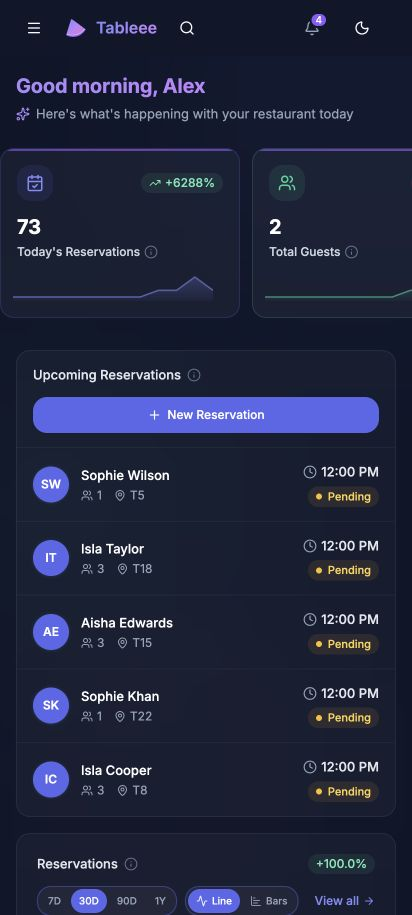
从第一笔预订到最后一张餐桌。在桌面设备、iPhone、iPad 或 Android 上随身携带您的工作区。
安装方法 在桌面设备、iPhone 或 iPad 上? 在此获取 Tableee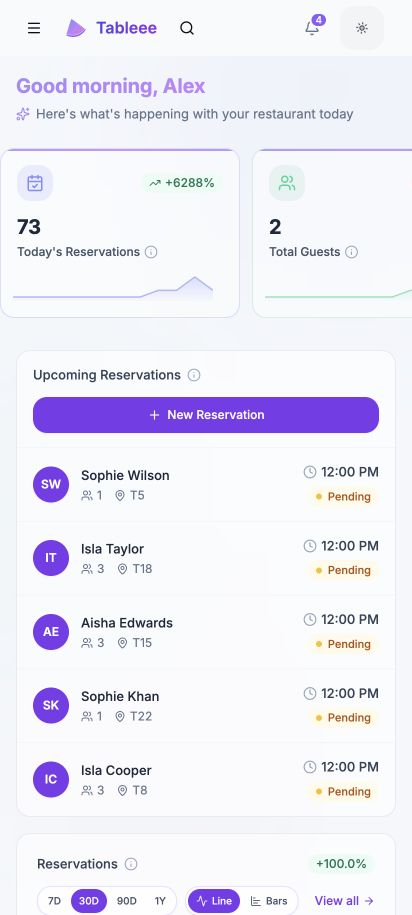
One account. One Business.
Sign in with the account you already use. Your team, settings and tools come with you.
Keep up with service.
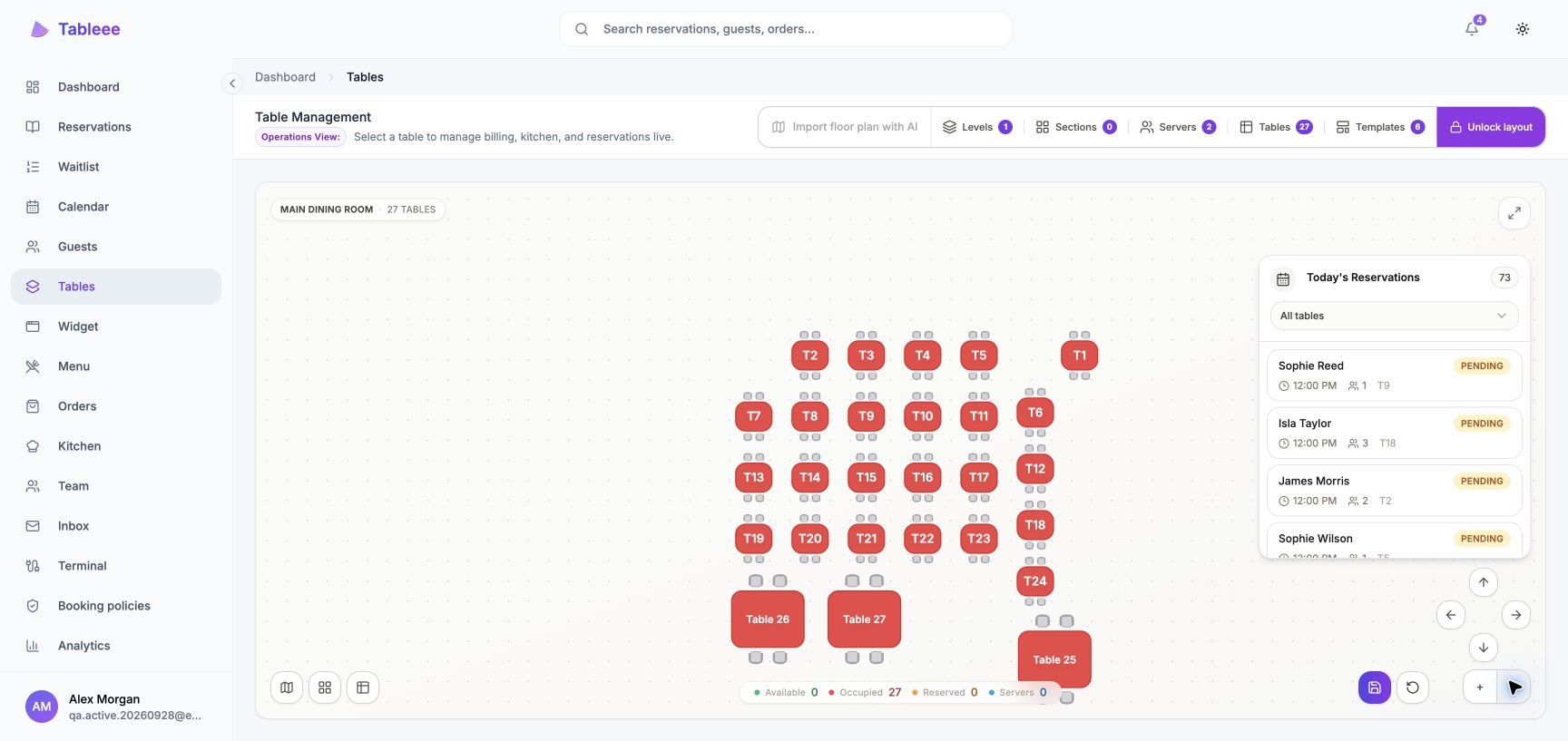
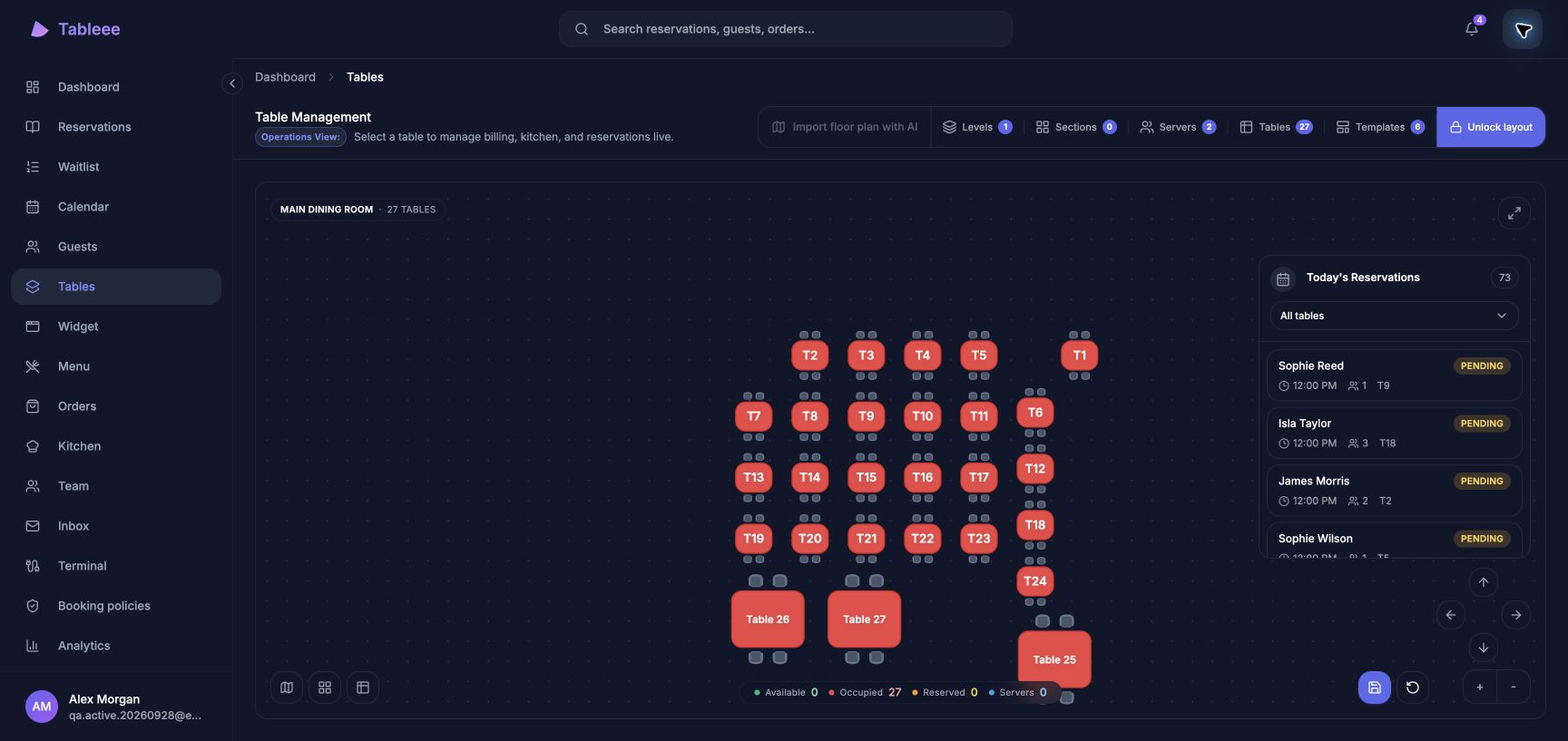
Bookings, tables, guests and orders stay connected to the same live workspace.
A tap away.
Open Tableee from your home screen or desktop, or carry on in your browser.
为您的日常而生
一个工作区。
就在您需要的地方。
将 Tableee 保留在您的桌面、iPhone 或 iPad 上。同样的预订、餐桌与团队,还有直达您一天的快捷方式。

下一次服务,一键直达。
在您的浏览器中添加到设备。
您现有的 Tableee 账户可在此使用。
为您的下一次服务做好准备
三步完成安装
Tableee 一旦在 Google Play 上线,入门将非常简单。您需要现有的 Tableee 账户和一台 Android 设备。
打开 Google Play
在您的 Android 设备上打开此 Google Play 链接,即可找到 Tableee 官方应用页面。
安装 Tableee
轻点 安装 即可在 Google Play 中安装。应用就绪后,您会在设备上看到 Tableee。
登录并开始使用
打开 Tableee 并登录。请保持 Chrome 或您支持的 Android 浏览器为最新版本。
更喜欢使用浏览器?您现有的 Tableee 账户同样适用。
始终是最新版 Tableee
网页功能自动更新。当您在设备上启用自动更新后,Google Play 会处理 Android 应用更新。
需要帮忙吗?
您现有的账户在 Android 和网页上均可使用。 联系我们 ,获取入门帮助。