下載 Tableee
您的商家。
盡在指尖。
從第一筆預訂到最後一張餐桌。在桌面裝置、iPhone、iPad 或 Android 上隨身攜帶您的工作區。
安裝方法 在桌面裝置、iPhone 或 iPad 上? 在此取得 Tableee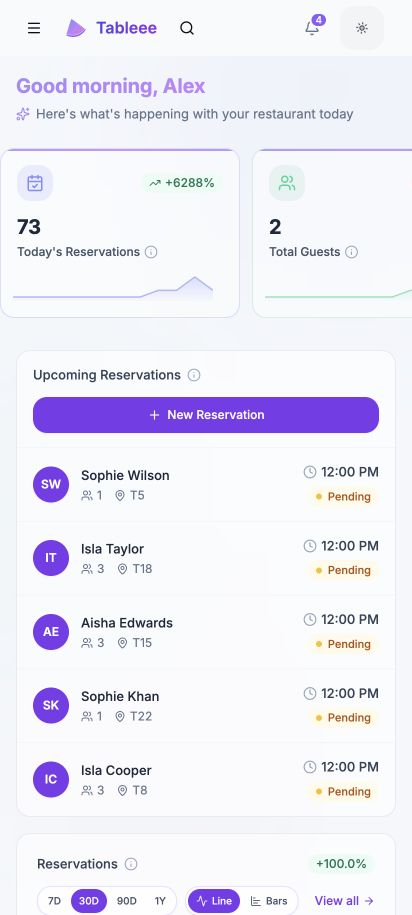
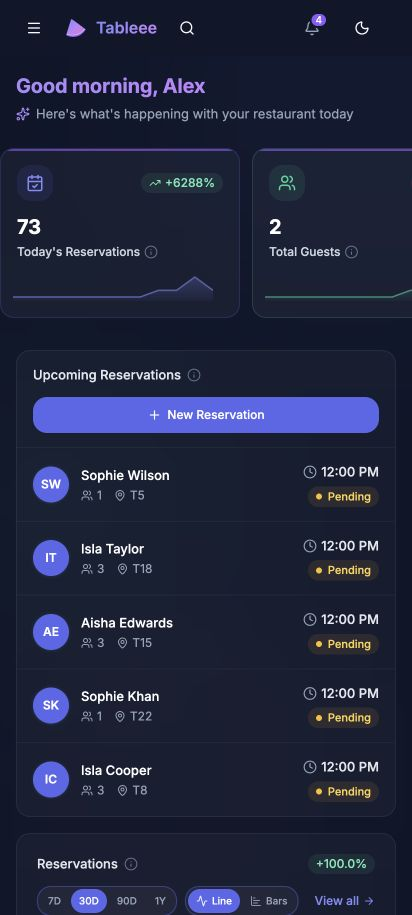
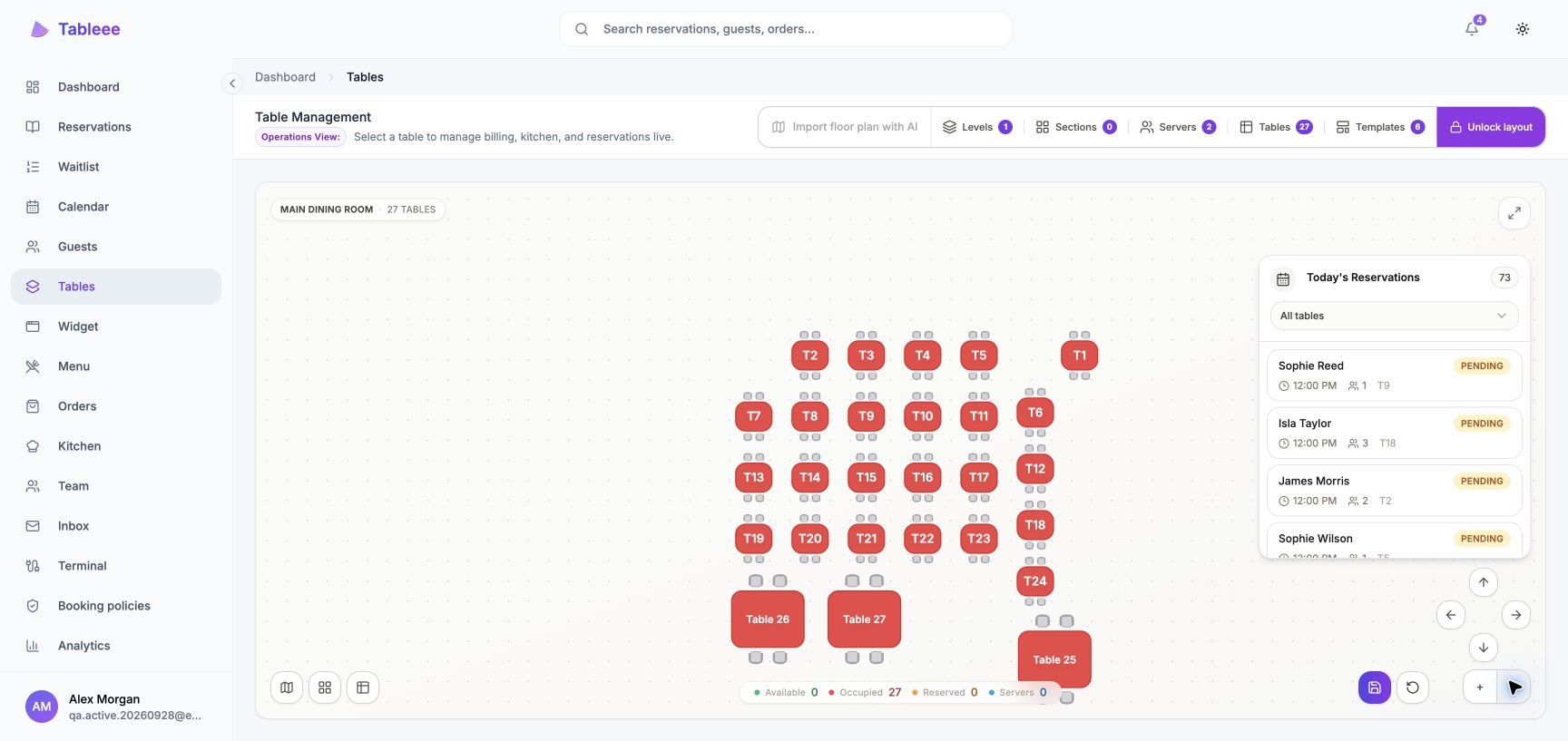
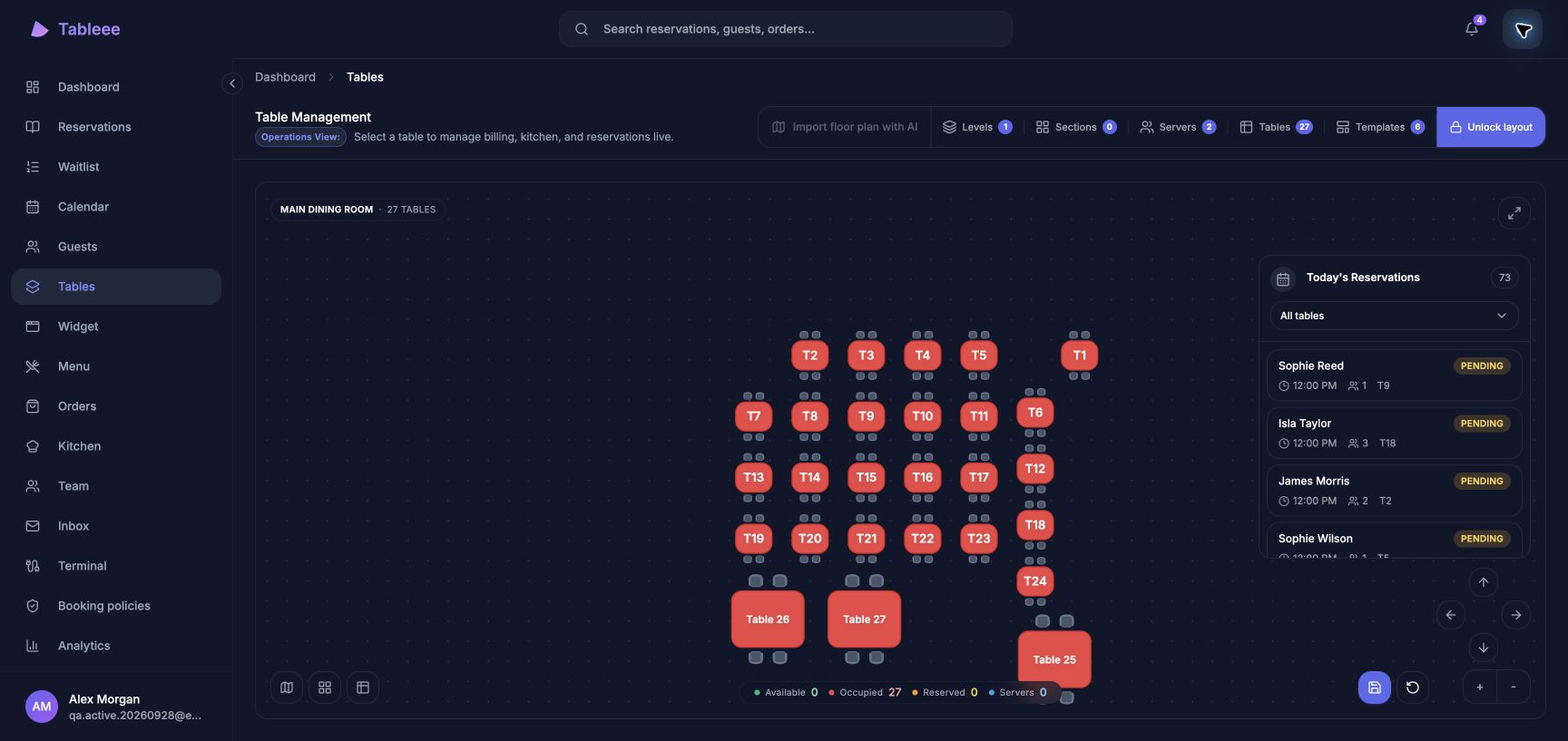
One account. One Business.
Sign in with the account you already use. Your team, settings and tools come with you.
Keep up with service.
Bookings, tables, guests and orders stay connected to the same live workspace.
A tap away.
Open Tableee from your home screen or desktop, or carry on in your browser.
為您的日常而生
一個工作區。
就在您需要的地方。
將 Tableee 保留在您的桌面、iPhone 或 iPad 上。同樣的預訂、餐桌與團隊,還有直達您一天的捷徑。

下一次服務,一鍵直達。
在您的瀏覽器中加入至裝置。
您現有的 Tableee 帳戶可在此使用。
為您的下一次服務做好準備
三步完成安裝
Tableee 一旦在 Google Play 上線,入門將非常簡單。您需要現有的 Tableee 帳戶和一台 Android 裝置。
開啟 Google Play
在您的 Android 裝置上開啟此 Google Play 連結,即可找到 Tableee 官方應用程式頁面。
安裝 Tableee
輕觸 安裝 即可在 Google Play 中安裝。應用程式就緒後,您會在裝置上看到 Tableee。
登入並開始使用
開啟 Tableee 並登入。請保持 Chrome 或您支援的 Android 瀏覽器為最新版本。
偏好使用瀏覽器?您現有的 Tableee 帳戶同樣適用。
始終是最新版 Tableee
網頁功能自動更新。當您在裝置上啟用自動更新後,Google Play 會處理 Android 應用程式更新。
需要幫忙嗎?
您現有的帳戶在 Android 和網頁上均可使用。 聯絡我們 ,取得入門協助。